Mobile Phone Security: The Complete Guide to Protecting Your Smartphone

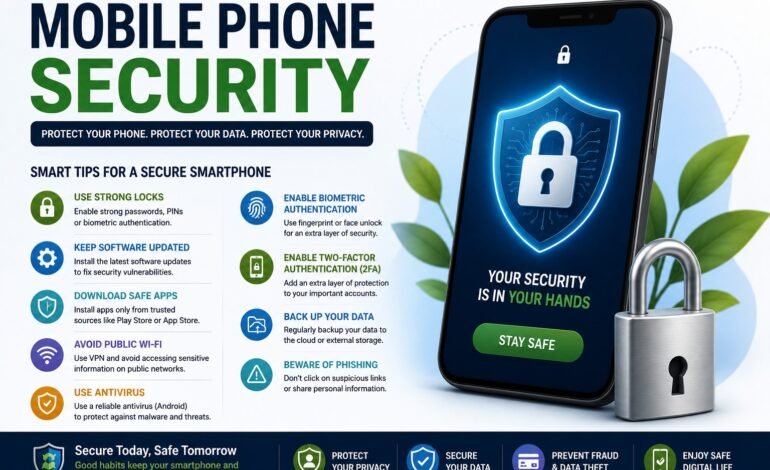
In today’s digital world, smartphones store more personal information than ever before. From online banking and social media accounts to emails, passwords, photos, and work documents, your mobile device contains valuable data that hackers want to access. This is why mobile phone security should be a top priority for every smartphone user.
Cybercriminals use various techniques such as malware, phishing, fake apps, and unsecured Wi-Fi networks to steal personal information. Fortunately, by following a few simple security practices, you can greatly reduce the risk of becoming a victim of cybercrime. This guide explains everything you need to know about mobile phone security, including practical tips for Android and iPhone users.
What Is Mobile Phone Security?
Mobile phone security refers to the measures and practices used to protect smartphones from unauthorized access, malware, hacking, data theft, and other cyber threats. It includes securing your device, applications, internet connection, and personal information.
A strong security strategy helps protect your privacy, financial information, and online accounts while ensuring your smartphone performs safely and efficiently.
Why Mobile Phone Security Is Important
Many people underestimate how much sensitive information is stored on their smartphones. If hackers gain access to your device, they may steal passwords, banking information, personal photos, contacts, or even your identity.
Good mobile phone security helps you:
- Protect personal information
- Prevent identity theft
- Secure online banking
- Keep passwords safe
- Avoid malware infections
- Protect social media accounts
- Reduce the risk of financial fraud
Whether you use your phone for work or personal activities, security should never be ignored.
Use Strong Passwords and Biometric Authentication
One of the easiest ways to improve mobile phone security is by locking your device with a strong password.
Avoid using simple PINs such as:
- 1234
- 1111
- Your birthday
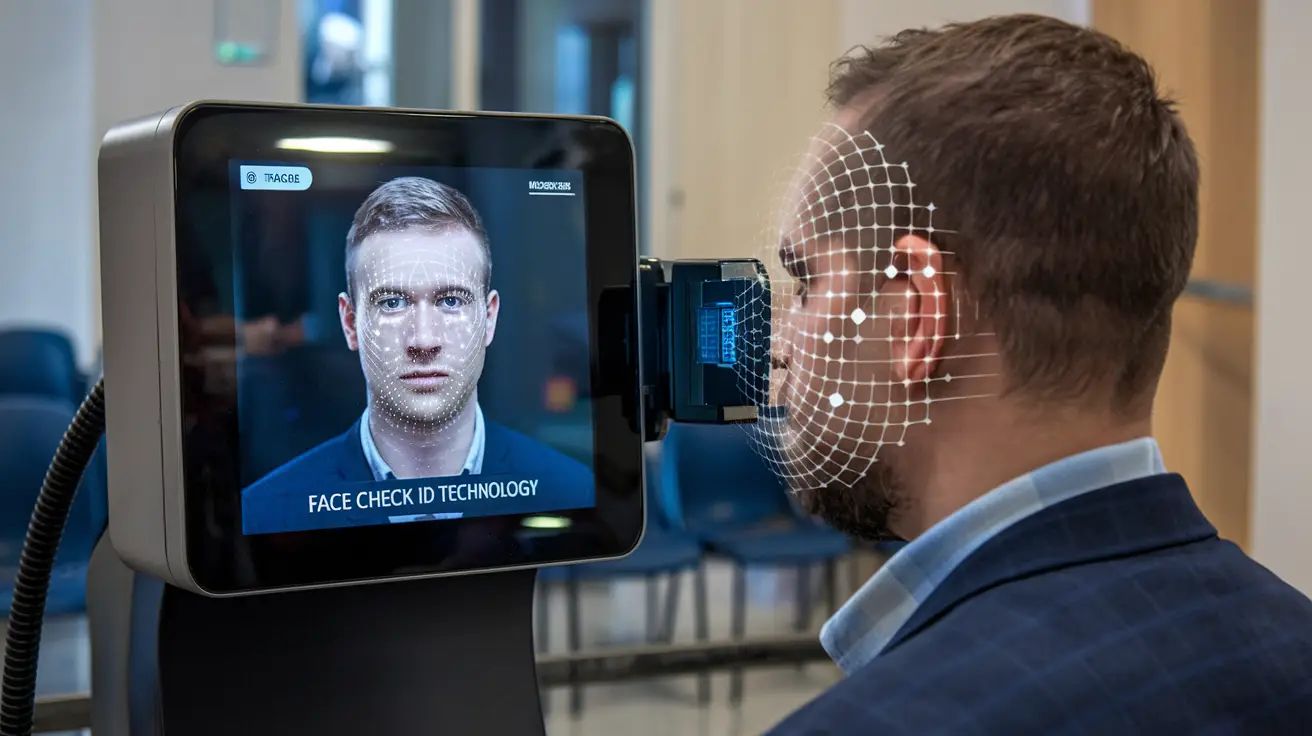
Instead, choose a long PIN or password combined with biometric authentication, such as fingerprint recognition or facial recognition. Biometric security adds an extra layer of protection because it is much harder for hackers to bypass than traditional passwords.
Keep Your Software Updated
Installing software updates is one of the most effective ways to protect your smartphone.
Manufacturers regularly release updates to:
- Fix security vulnerabilities
- Patch software bugs
- Improve performance
- Protect against newly discovered cyber threats
Enable automatic updates so your phone always has the latest security improvements.
Ignoring updates leaves your device vulnerable to attacks that hackers already know how to exploit.
Install Apps Only from Trusted Sources
Downloading apps from unknown websites is one of the biggest security risks.
Always install applications from trusted stores such as:
- Google Play Store
- Apple App Store
Before downloading any app:
- Read user reviews.
- Check the developer’s reputation.
- Review requested permissions.
- Avoid apps with very few downloads.
Fake applications often contain malware designed to steal your personal information.
Review App Permissions
Many apps request access to features they don’t actually need.
Regularly check permissions for:
- Camera
- Microphone
- Contacts
- Photos
- Location
- Storage
Only allow permissions that are necessary for the app to function. Limiting permissions significantly improves mobile phone security and protects your privacy.
Enable Two-Factor Authentication (2FA)
Passwords alone are no longer enough to secure your online accounts.
Two-Factor Authentication (2FA) requires an additional verification step before someone can access your account.
Enable 2FA for:
- Gmail
- Apple ID
- Google Account
- Banking applications
Even if hackers obtain your password, they won’t be able to log in without the second verification factor.
Avoid Public Wi-Fi Networks
Public Wi-Fi networks are convenient but often lack proper security.
Hackers can intercept data transmitted over unsecured networks.
To stay safe:
- Avoid banking on public Wi-Fi.
- Use a trusted VPN.
- Disable automatic Wi-Fi connections.
- Turn off Bluetooth when not in use.
Using mobile data is generally safer for sensitive activities.
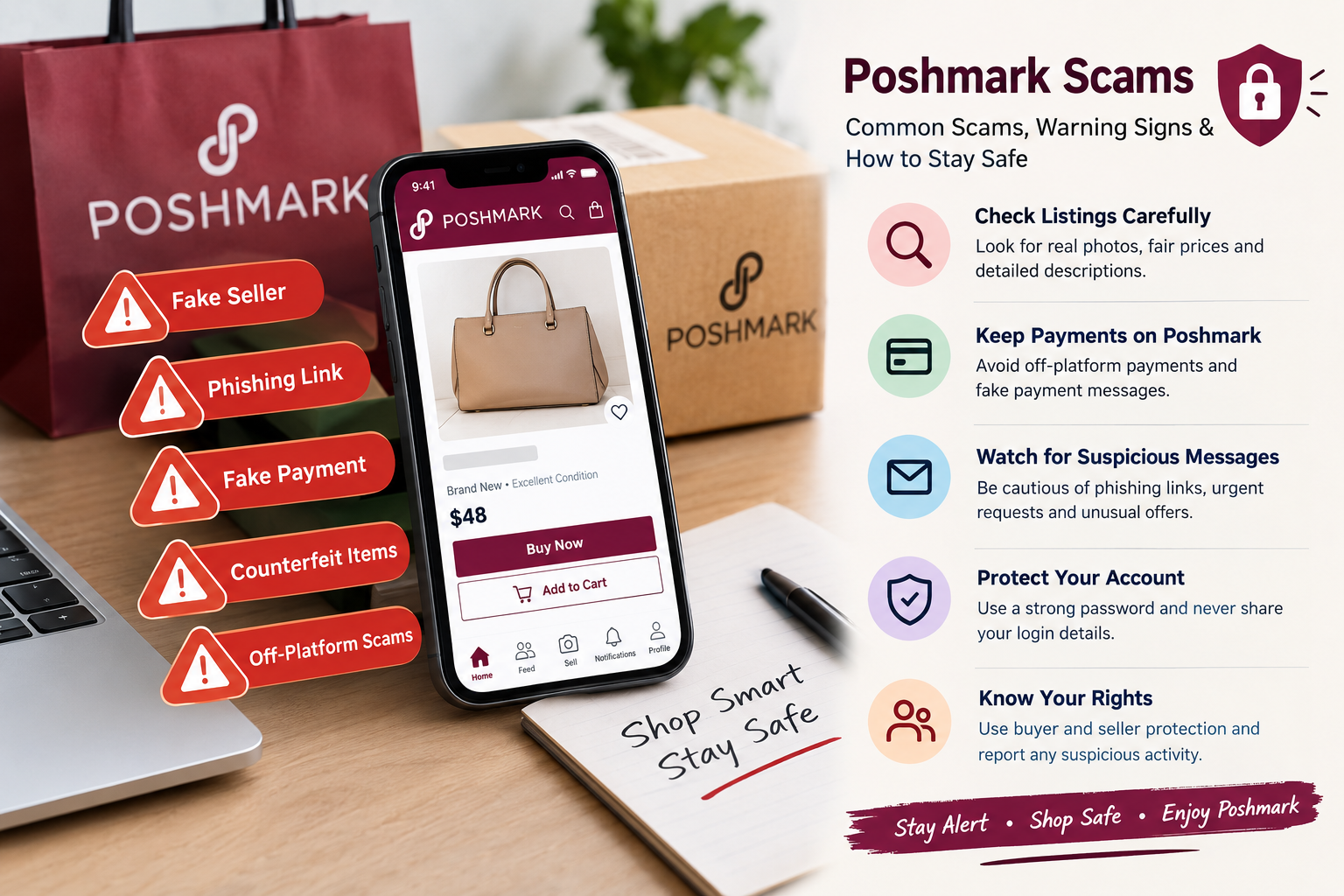
Protect Yourself from Phishing Attacks
Phishing scams remain one of the biggest cybersecurity threats.
Hackers often send fake:
- Emails
- SMS messages
- Social media messages
- Banking notifications
Never click suspicious links or download unexpected attachments.
Always verify the sender before entering personal information.
Use the Best Antivirus for Android
Android users benefit from installing reliable mobile security software.
The best antivirus for Android can help detect:
- Malware
- Spyware
- Ransomware
- Harmful websites
- Suspicious applications
While Android already includes Google Play Protect, additional antivirus software provides another layer of security for users who frequently install apps or browse unfamiliar websites.
Android Security Tips
Android offers excellent flexibility, but users should follow these Android security tips:
- Enable Google Play Protect.
- Install apps only from Google Play.
- Turn off Unknown Sources.
- Remove unused apps.
- Enable Find My Device.
- Keep Android updated.
- Use device encryption.
- Review app permissions regularly.
These habits greatly improve overall mobile phone security.
iPhone Security Tips
Apple devices include strong built-in security features, but users should still follow important iPhone security tips.
Recommended practices include:
- Enable Face ID or Touch ID.
- Turn on Find My iPhone.
- Use a strong Apple ID password.
- Enable two-factor authentication.
- Keep iOS updated.
- Avoid jailbreaking your device.
- Check privacy settings regularly.
Following these recommendations helps protect your personal information from cyber threats.
Back Up Your Important Data
Even the most secure smartphone can be lost, stolen, or damaged.
Regular backups ensure your information remains safe.
Android users can use Google Drive, while iPhone users can rely on iCloud.
Back up:
- Photos
- Contacts
- Videos
- Documents
- Messages
Automatic backups provide peace of mind and simplify data recovery.
Watch for Signs of a Hacked Phone
Knowing the warning signs can help you act quickly.
Common indicators include:
- Fast battery drain
- Phone overheating
- Unknown apps
- Slow performance
- High data usage
- Frequent pop-up ads
- Apps opening by themselves
If you notice these symptoms, update your phone, remove suspicious apps, run a security scan, and change your passwords immediately.
Mobile Phone Security Best Practices
For maximum protection, follow these daily habits:
- Lock your phone whenever not in use.
- Keep your operating system updated.
- Install trusted apps only.
- Use strong passwords.
- Enable biometric authentication.
- Turn on two-factor authentication.
- Review app permissions.
- Avoid suspicious websites.
- Use secure internet connections.
- Back up your data regularly.
Small security habits can prevent major problems in the future.
Conclusion
Mobile phone security is essential in today’s connected world. Smartphones contain valuable personal and financial information, making them attractive targets for hackers and cybercriminals. Fortunately, protecting your device doesn’t require advanced technical skills. By using strong passwords, enabling biometric authentication, installing regular software updates, following Android security tips and iPhone security tips, and choosing the best antivirus for Android when appropriate, you can greatly reduce your risk of cyber attacks.
Good security is built on consistent habits. Stay alert, keep your device updated, avoid suspicious links and apps, and regularly review your privacy settings. Following these best practices will help keep your smartphone secure and your personal information protected for years to come.